A radiologist on call tonight is not sitting at a workstation, and mobile radiology access means meeting them wherever they actually are. They are at home, finishing a shift at another site, or standing in a hallway between two other things, and the study that just landed on the worklist does not wait for any of that to change.
A referring physician getting ready to walk into a room wants to see the image itself, not a line in the chart saying a report exists somewhere. A tech at a satellite site with no radiologist on premises needs a fast second opinion on whether a patient can wait until morning or needs to go somewhere else tonight. None of these moments happen at a desk.
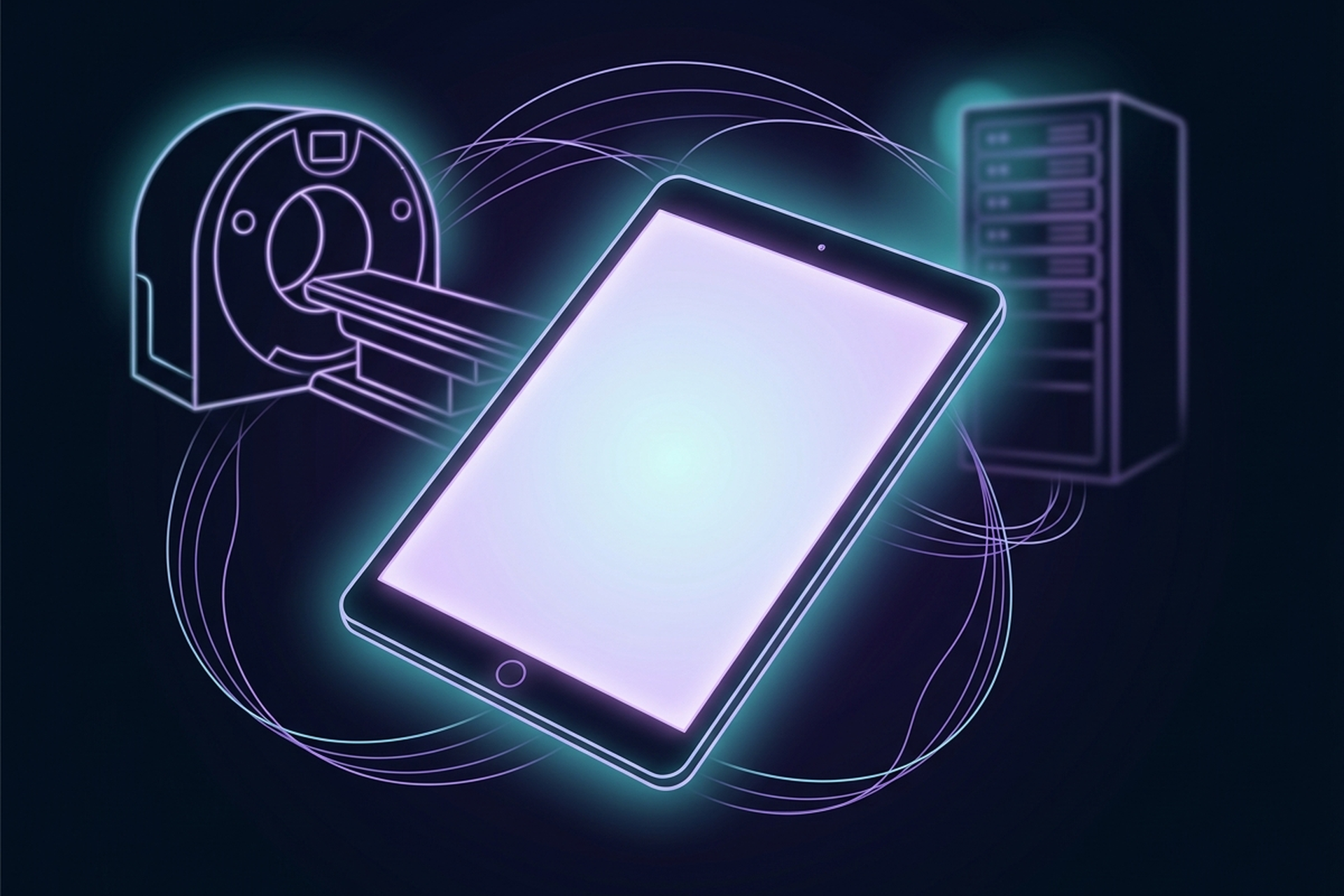
That gap is what OmniPACS Condor’s iPad app is being built toward. Mobile radiology access, in this context, means the worklist, search, sharing, and notifications carried on the device already in a clinician’s hand, not a phone-sized copy of the desktop site. Condor is the platform OmniPACS rebuilt from the ground up in a July 2026 cutover, and this iPad direction is one of the items still ahead on its roadmap, not something available today. What follows is what it is being built toward, and just as importantly, what it explicitly is not.
The Moments a Desktop-Only Worklist Misses
On-call radiology does not run on a schedule. It runs on whatever needs attention between the moment it needs attention and the moment someone happens to be back at a monitor, and those two moments rarely line up. The radiologist, the referring physician, and the tech described above are not edge cases. They are what a normal week looks like for anyone covering call, whether that call comes once a month or every other night.
Multi-site imaging groups feel this hardest, because the number of moments like these scales with the number of locations, and every one of them currently depends on someone making their way back to a full workstation before they can help. A worklist that only works at a desk is only useful during the hours someone happens to be at that desk, and none of the scenarios above wait politely for those hours. Condor’s iPad direction exists for exactly this gap: the worklist, search, sharing, and notifications a radiologist already relies on, carried onto the device actually with them when one of these moments happens.
Mobile Radiology Access, Not a Second Diagnostic Workstation
It is worth being precise here, because the distinction is clinical, not just legal. A mobile worklist is built for access: checking whether a study has arrived, confirming a case is assigned, pulling up images to talk through during a consult, coordinating who is handling what across a multi-site group. It is not built to replace the diagnostic workstation a radiologist reads from, and nothing about Condor’s iPad direction is meant to suggest otherwise.
Why That Line Matters
That line exists for real reasons, not caution for its own sake. In the US, primary interpretation of a study generally depends on two things holding true at once: the specific viewing software carries FDA clearance for that exact use, and the display it appears on meets the technical standards the American College of Radiology and the American Association of Physicists in Medicine have set for diagnostic interpretation displays, covering calibrated luminance and grayscale performance that a tablet screen in a hallway or a parked car is not built to guarantee. A mobile DICOM viewer that recently earned that first kind of clearance shows exactly how narrow it is: extending an existing FDA clearance from Mac to iPhone and iPad required a new clearance of its own, not a blanket approval covering every device the same software happens to run on, which is exactly why the line between “cleared for primary reads” and “useful for access” matters as much as it does.
OmniPACS is not claiming any such clearance for Condor’s iPad direction, now or on a timeline. What this article describes is the layer above a diagnostic read: knowing a study exists, seeing enough of it to make a triage or consult decision, and coordinating with whoever needs to be looped in next. Anyone who wants the technical detail behind what a genuine diagnostic read actually requires, bandwidth, latency, and display calibration included, can find it covered in full in our guide to reading a remote scan.
Designed for a Touchscreen, Not Squeezed Onto One
A phone-sized copy of a desktop site is often worse than no mobile option at all: text too small without pinching to zoom, buttons sized for a mouse pointer that a fingertip keeps missing, a layout that quietly assumes a keyboard is nearby. That is the version of “mobile support” clinicians have learned not to trust, and it is what OmniPACS is deliberately avoiding by building a native experience rather than a shrunken web page for the iPad.
In practice, that is a design discipline more than a feature list: touch targets sized for a finger instead of a cursor, a worklist legible at arm’s length instead of six inches from a monitor, and interactions that assume someone might be standing, walking between rooms, or holding the device in one hand while doing something else with the other. None of that carries a ship date here, and none of it comes with a screen-by-screen description, because none of it has shipped yet. What is real is the design intent behind it: the same task a radiologist already does well on a desktop, done just as well on the device most likely to actually be within reach when the moment calls for it.
Why an API-First Rebuild Is What Makes This Credible
A native iPad app is not something a team bolts onto a decade-old application without months of work that never quite finishes cleanly. Condor’s mobile direction is credible because of what already changed underneath it: a platform rebuilt on a modern Python and Django backend paired with a React front end, with data and actions exposed as services any client can call the same way, rather than logic wired tightly into one desktop interface that assumes a mouse and a browser.
That is not a technical detail dressed up to sound impressive. It is the actual reason a credible iPad app is a realistic roadmap item now, and was not one under the legacy platform Condor replaced. A platform built as a single, tightly coupled desktop application needs a second, largely duplicate effort to support a native mobile client well. A platform built around an API that a desktop worklist and a mobile app both call the same way does not, which is exactly the kind of payoff a rebuild like this is supposed to produce over time, on this item and the rest of the roadmap alongside it.
For anyone who has not seen the rebuilt platform this direction extends, the campaign overview below covers it in under two minutes.
Security Has to Travel With the Device
A device that leaves the building changes the security conversation, and treating that as an afterthought is how mobile access programs get quietly walked back later. A worklist on a hospital workstation lives inside a network an IT team already controls end to end. A worklist on an iPad travels wherever the person carrying it goes, which means the questions that already mattered for that hospital workstation, who is authenticated, what happens if the device is lost, how long a session stays open unattended, matter just as much here, arguably more, since a tablet is easier to leave behind than a desk.
That is not a new problem in healthcare IT. A recent review of security safeguards for remote and mobile radiology environments names the same controls every device leaving a facility’s network is expected to meet: device-level encryption, the ability to remotely wipe a lost or stolen device, and access provisioned and revoked centrally rather than left to whoever happens to be holding the device. That is the standard Condor’s iPad direction is being built against: authentication that does not depend on the device alone, session behavior that assumes a tablet can be lost or set down somewhere, and access a site administrator can see and revoke without a support ticket standing in the way. That is a claim about which problem the team building it is actually solving for, not about a feature that has shipped, since a mobile worklist that ignored this question would not be worth shipping regardless of how well the touch design turned out.
Questions from a specific site about how mobile access would need to be provisioned and secured for an on-call rotation, asked before a rollout instead of after one, are exactly what support@omnipacs.com is for.
The Easiest Story in This Series to Show Someone
Every article in this series makes a case that lands better shown than described, and this one might be the easiest of all of them to actually show someone. A spec sheet does not move anyone. The image of an on-call radiologist checking a worklist from a parking lot instead of driving in to look at one study does, and so does a referring physician pulling up a scan on the device already in their coat pocket before walking into a room to talk about it.
Multi-site groups do not have to take any of this on faith. The best way to judge what an iPad worklist would change for a specific on-call rotation, referring network, or satellite site is to hold it up against how that group actually runs today, not to read another paragraph about it. Talk to us about your site’s rollout and walk through what it would look like for the rotation already in place.
Frequently Asked Questions
Is there a DICOM viewer for iPad?
Yes, several vendors offer DICOM viewer apps for iPad, and a few have pursued FDA clearance for on-device diagnostic interpretation. That clearance is evaluated per application, not assumed for any tablet or viewer, which is why an app built for consult and triage is a different thing from one cleared for primary reads.
Are phones and tablets HIPAA compliant?
No device is “HIPAA compliant” on its own. Compliance depends on how protected health information is accessed and secured on that device: authentication, encryption, session controls, and the ability to remotely wipe or revoke access if it is lost. A phone or tablet used the right way can meet that bar; used carelessly, it can’t.
What is mobile radiography?
Mobile radiography refers to portable X-ray equipment brought to a patient, such as a bedside unit in an ICU, not mobile access to a PACS worklist on a phone or tablet. Both share the word “mobile,” but one is the scanner and the other is who can see the result.
What is the difference between a native app and a web app?
A native app is built for a device’s operating system and installed directly on it, with full access to its touch handling and performance. A web app runs inside a browser, built around no single device. That gap matters most on a tablet, where a native app is designed for touch, not adapted to it.